

How to Change the Default Logo in Ingress/ TCMS v3 Report

Introduction
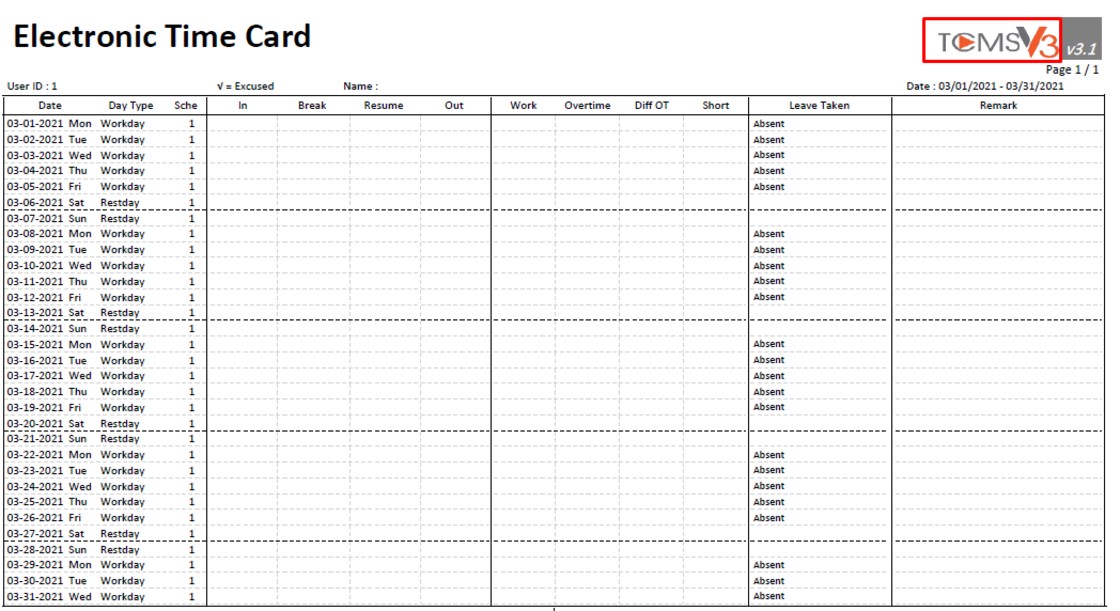
For the latest version of TCMS v3 software (version 3.1.02) and Ingress Software (version 4.1.0.4), you can now replace the default software logo in Report with your own company logo. This feature enables you to customize your report with your official company logo.
Process
1) Go to System Setting > System Parameter Settings > Reports > Click on Edit
Note: Recommended logo size: 400 x 125 pixels, less than 100 KB
For the latest version of TCMS v3 software (version 3.1.02) and Ingress Software (version 4.1.0.4), you can now replace the default software logo in Report with your own company logo. This feature enables you to customize your report with your official company logo.

Process
1) Go to System Setting > System Parameter Settings > Reports > Click on Edit
Note: Recommended logo size: 400 x 125 pixels, less than 100 KB

2) Click on the image box > Select the image that you want to upload > Click on Save


3) Next, you can generate a report to check the logo. For example, go to the Reports tab > Attendance Listing > Electronic Time Card > Set the Date Range > Select User > Select Option > Click on Generate. You will be able to see the report logo has been changed to your own company logo.


Note: If some of the screenshots or steps viewed here are different from the ones in the current system, this is due to our continuous effort to improve our system from time to time. Please notify us at info@fingertec.com, we will update it as soon as possible.


